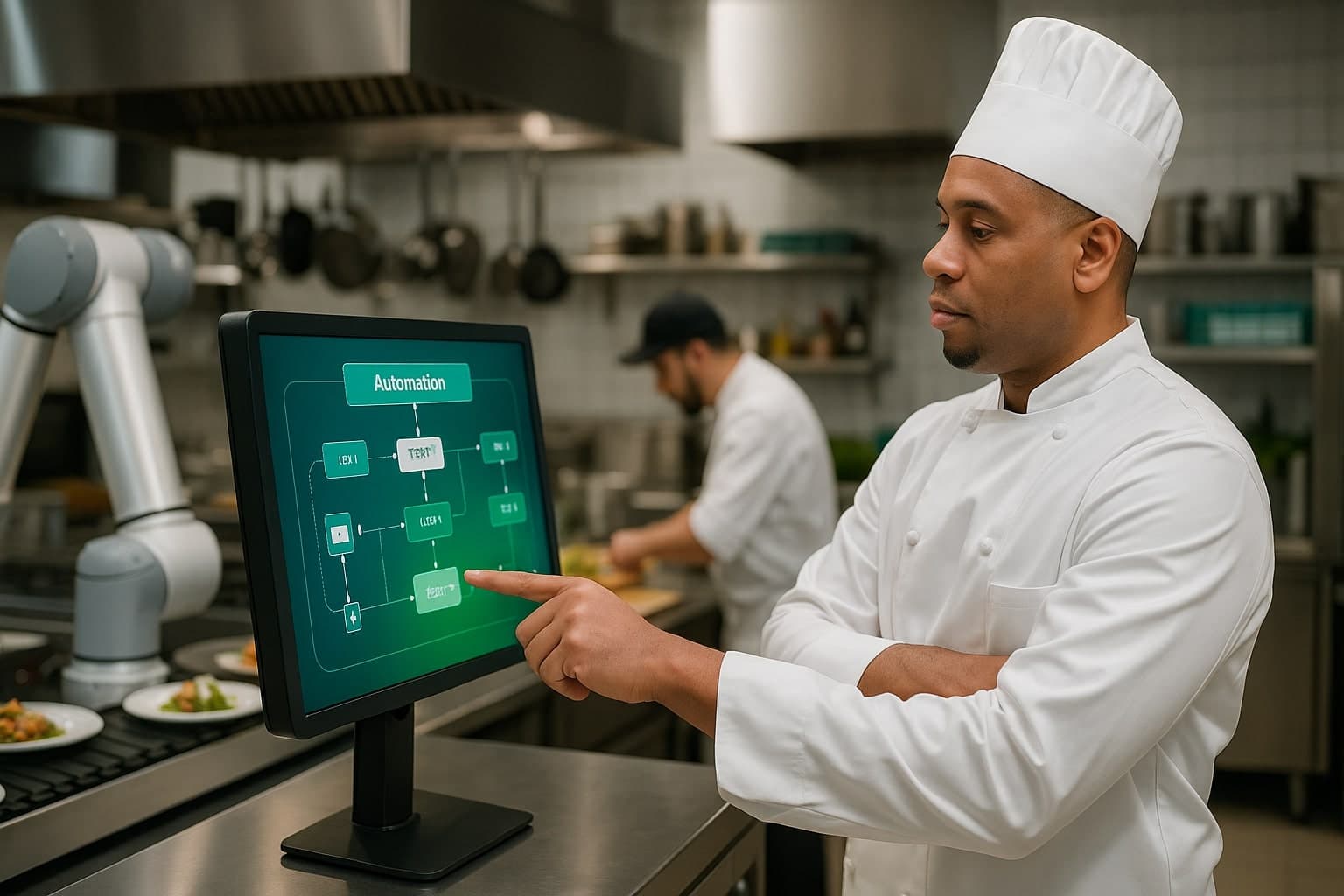

Restaurant automation usually fails for judgment reasons, not technology reasons: automating a process that was never standardized, automating the wrong process, skipping the team who actually does the work, buying on features instead of fit, and expecting results before the learning curve. Fix the process first, then automate one thing at a time.
Most automation failures aren't technology failures. They're judgment failures. Here are the five mistakes that derail restaurant automation projects - including an expensive one I made myself - and how to avoid each.
Mistake 1: Automating Before Standardizing
You can't automate a broken process. If the manual work is chaotic - different people doing the same task differently, no defined correct output - automation will only make the chaos faster and more expensive. Standardize first. Document the correct process. Then automate.
Mistake 2: Automating the Wrong Things
Restaurants get excited about visible technology. Digital menus, customer-facing apps, impressive displays. Meanwhile the invisible processes - food waste, scheduling, inventory - keep quietly costing money.
A $15,000 digital menu system looks great. But if you're losing $3,000 a month on food waste, simple inventory tracking would have paid for itself in two months.
- Don't automate customer-facing before fixing back-office
- Focus on what costs money, not what looks impressive
- Identify your most expensive manual process and fix that first
The $5,000 Version of Mistake 2
I'll use my own money as the example. I was running a high-volume kitchen with real inventory problems - too much time tracking stock, constantly short on some items and over on others. I bought an inventory automation system off the feature list. $5,000 in, plus weeks of setup.
It worked exactly as advertised. It tracked every item, every count, every location. And it did not solve my problem.
My actual problem was food expiring before we used it. Better tracking didn't prevent that waste - it just documented it more precisely. I had no visibility into what would spoil when, and no system for deciding what to use first or redistribute. I automated the process that looked like it should be automated instead of the one that was costing me money.
- Understand root cause before investing
- Talk to the people doing the work before buying tools
- Automate the process that's actually costing you money, not the one that looks like it should be
- The most sophisticated tool for the wrong problem is worse than a simple tool for the right one
That lesson is the reason ShareTable exists. The fix wasn't better inventory counting - it was redistribution coordination.
Mistake 3: Not Involving the Team
Automation fails when the people doing the work aren't part of the decision. They know the edge cases, the exceptions, the real process as opposed to the documented one. Skip them and you'll automate something that doesn't match reality.
The same applies after you buy. A scheduling system that could save 10 hours a week does nothing if managers don't understand it. Hands-on training, not written instructions. A designated champion. Time to learn before you expect results.
Mistake 4: Choosing Tools on Features, Not Fit
Impressive features don't matter. The tool that solves your specific problem matters. Demo it against your actual workflow, with your actual data. If it doesn't map to how you really work, no feature list will save you.
Mistake 5: Doing Everything at Once, and Expecting It Instantly
Change too much at once and you get chaos. Automate inventory, scheduling, customer management and reporting in the same month, and six months later you're back to manual because none of it landed properly. One process, completely. Then the next.
And budget for the curve. Expect the first 30-60 days to be slower, not faster, while the team adapts. The payback comes after the learning curve, not during it.
The Right Way to Automate
- Start with your biggest pain point - what's costing most time or money
- Standardize the process before you automate it
- Choose one process and master it before moving on
- Get your team on board - explain why and how it will help them
- Run the new system alongside the old one before cutting over
- Only then move to the next process
What Good Looks Like
Done right, the wins are operational rather than magical: meaningfully less time lost to manual tasks, fewer operational errors, and healthier margins as rework drops. The gains come from fixing the right process with the right approach - not from the technology itself.
Run the payback math before you sign anything - that alone kills most bad automation buys.
Open the free ROI calculatorChoosing the tool is the easy part. Choosing the process is where operators go wrong.
How to choose restaurant softwareIf you want a second pair of eyes before you spend, the Ops Screen is free.
Book a free Ops Screen