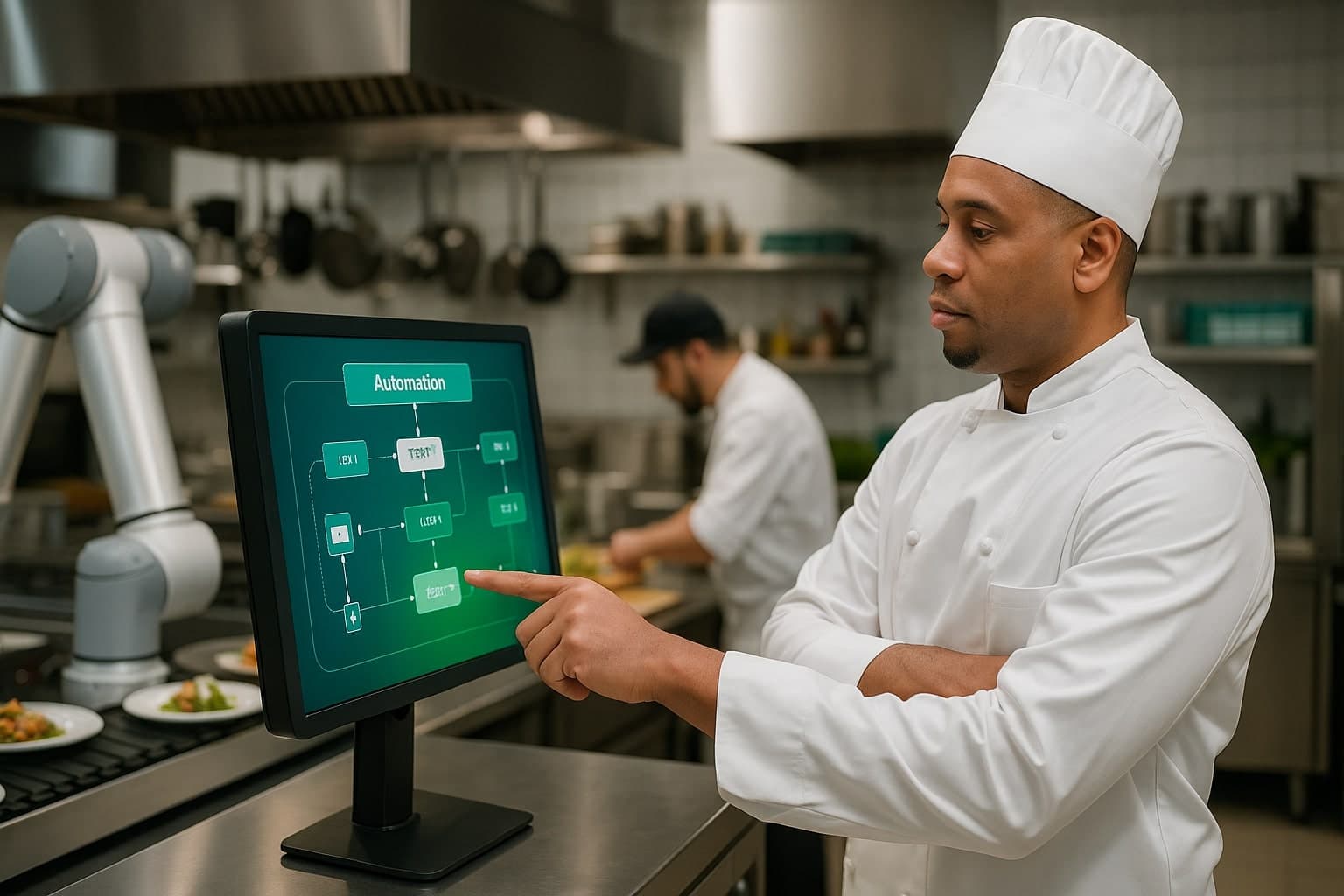

Catering software is one system that handles quotes, event details, menus, inventory, staffing, and invoicing so nothing falls through the cracks between booking and breakdown. You need it once you run more than about 6 to 8 events a month, because that is the point where spreadsheets and email start dropping details that cost you money and clients.
I ran 14 locations putting out 8,000 meals a day before I built software, and the thing that broke first was never the food. It was the handoff. A sales rep promised a setup time nobody told the kitchen about. That gap is what catering software is built to close. Across those years the pattern was always the same: the operations did not collapse because someone cooked badly, they collapsed because a number lived in one person's head and never made it to the people who needed it. Software does not make you a better cook. It makes the information move.
What's Actually Inside Catering Software
Strip away the marketing and a real catering system does six jobs. Each one maps to a moment where money or trust usually leaks out of a manual operation. When you evaluate a tool, ignore the feature list and ask whether it closes these six gaps, because everything else is decoration.
- CRM and lead tracking so inquiries do not die in an inbox
- Event management with timelines, headcounts, and delivery windows in one place
- Menu and recipe costing so every quote prices from real food cost
- Inventory and purchasing tied to confirmed events, not guesswork
- Staffing and scheduling matched to event size and skill
- Invoicing and deposits that fire on schedule instead of when someone remembers
Notice what ties these together. A headcount is not just a number on a contract. It drives the food order, the staffing plan, the rental count, and the final invoice. In a manual operation, that one number has to be re-entered by hand in five places, and the moment a client changes it from 200 to 240, you have five places to update and four of them will be missed. The whole argument for software is that the headcount lives once and everything downstream reads from it.
People assume catering software is about saving keystrokes, and that is the least of it. The real value is integrity of the data. When five spreadsheets each hold their own copy of a number, you do not have one truth, you have five candidates, and on the day of the event you discover which one was wrong. A single record is not faster, it is correct, and correct is what keeps a client. Speed is a nice side effect. Not being the caterer who showed up 40 plates short is the actual product.
The Spreadsheet Breaking Point
Spreadsheets are fine until two events overlap and three people edit the same file. The failure is not dramatic. It is a wrong headcount, a missed deposit, a double-booked chef. Below is the rough line I watch for with operators.
| Monthly events | What works | Real risk |
|---|---|---|
| 1 to 5 | Spreadsheets plus email | Low, you can hold it in your head |
| 6 to 15 | Software starts paying off | Missed deposits, staffing clashes |
| 16 to 40 | Software is required | Lost revenue, burned-out staff |
| 40 plus | Integrated operating system | Chaos without coordination |
The trap is that the breaking point is invisible until you are past it. At 5 events a month you genuinely can hold every detail in your head, and software feels like overkill. At 12 events a month you are still holding it in your head, but now you are dropping one detail per week and writing it off as bad luck. It is not bad luck. It is a system that ran out of road. The operators who suffer most are the ones who hit 15 events a month still running the same spreadsheet that worked fine at 4, because the tool did not fail loudly, it failed quietly, one missed deposit at a time.
A Worked Example of a Leak
Take a real scenario. A corporate client books a 180-guest lunch for Thursday. On Tuesday they email to bump it to 220 and add a dietary section. The sales rep sees the email, replies yes, and means to update the order. Wednesday gets busy. The kitchen preps for 180. Thursday morning the truck loads food for 180 guests at a 220-guest event. Now you are buying emergency product at retail, paying a runner to make a second trip, and the client remembers you as the caterer who came up short. The food cost on that event was fine. The event still lost money and a client, because one email never became one updated record.
Where the Money Leaks Without It
On a large order, the two numbers that quietly sink you are labor and overhead. A 300-guest event might look great at a 30% food cost, then you under-scheduled staff by two people, paid overtime, and your net margin slid from a planned 20% down to 8. Software that ties staffing to event size catches that before you quote, not after you pay it.
Run the arithmetic on that 300-guest example. Say the event bills at $60 a head, so $18,000 in revenue. A planned 20% net margin is $3,600 in your pocket. Two servers in unplanned overtime at $35 an hour for five hours is $350, the emergency product run is another $400, and the rushed breakdown that ran long pushed a third server into overtime for $175. That is roughly $925 of unplanned cost, which drops your $3,600 to under $2,700 and your margin from 20% to about 15%. None of it showed up in the food cost line. All of it was a staffing plan that was never built.
How CaterOS Approaches It
CaterOS is built as one operating system rather than five disconnected tools. CRM, event management, menu, inventory, staffing, and invoicing share the same record, so a headcount change updates the food order, the staffing plan, and the invoice at the same time. That single source is the whole point. The chaos comes from data living in separate places. When the 180 becomes a 220, you change it once and the pull sheet, the labor plan, and the invoice all move with it, so nobody downstream is working off a stale number.
See how the pieces connect in one place instead of five tabs.
See CaterOSWhat Software Does Not Fix
Be honest about the limits, because software oversold is software resented. A system will not fix bad recipes, a thin staff bench, or prices that lose money. If your costing is wrong, software will simply produce wrong quotes faster and more consistently. The tool enforces and connects the decisions you make, it does not make them for you. Operators who buy software expecting it to rescue a broken operation are disappointed, and rightly so. The ones who get full value already had decent process living in spreadsheets and people's heads, and the software gave that process a single home where it stops falling apart at volume. Get the fundamentals right first, then let the system carry them at scale.
How to Decide If You Need It Yet
Do not buy software because a competitor has it. Buy it when the honest math says manual is costing you more than a subscription. Walk through these steps before you decide.
- Count your events from the last three months and find your true monthly average
- List every detail that slipped last month: a missed deposit, a wrong headcount, a staffing clash
- Put a dollar figure on each slip, including the cost of a client who did not rebook
- Add up the monthly cost of those slips and compare it to a software subscription
- If the slips cost more than the tool, you needed it last quarter
The Bottom Line
You do not need software to cater one wedding. You need it the moment you cannot personally track every detail of every event in your head. Most operators hit that wall around 6 to 8 events a month and keep limping for another year, paying for it in lost deposits and burned-out staff. The next step is honest math on how many events you run and how many details slipped last month.