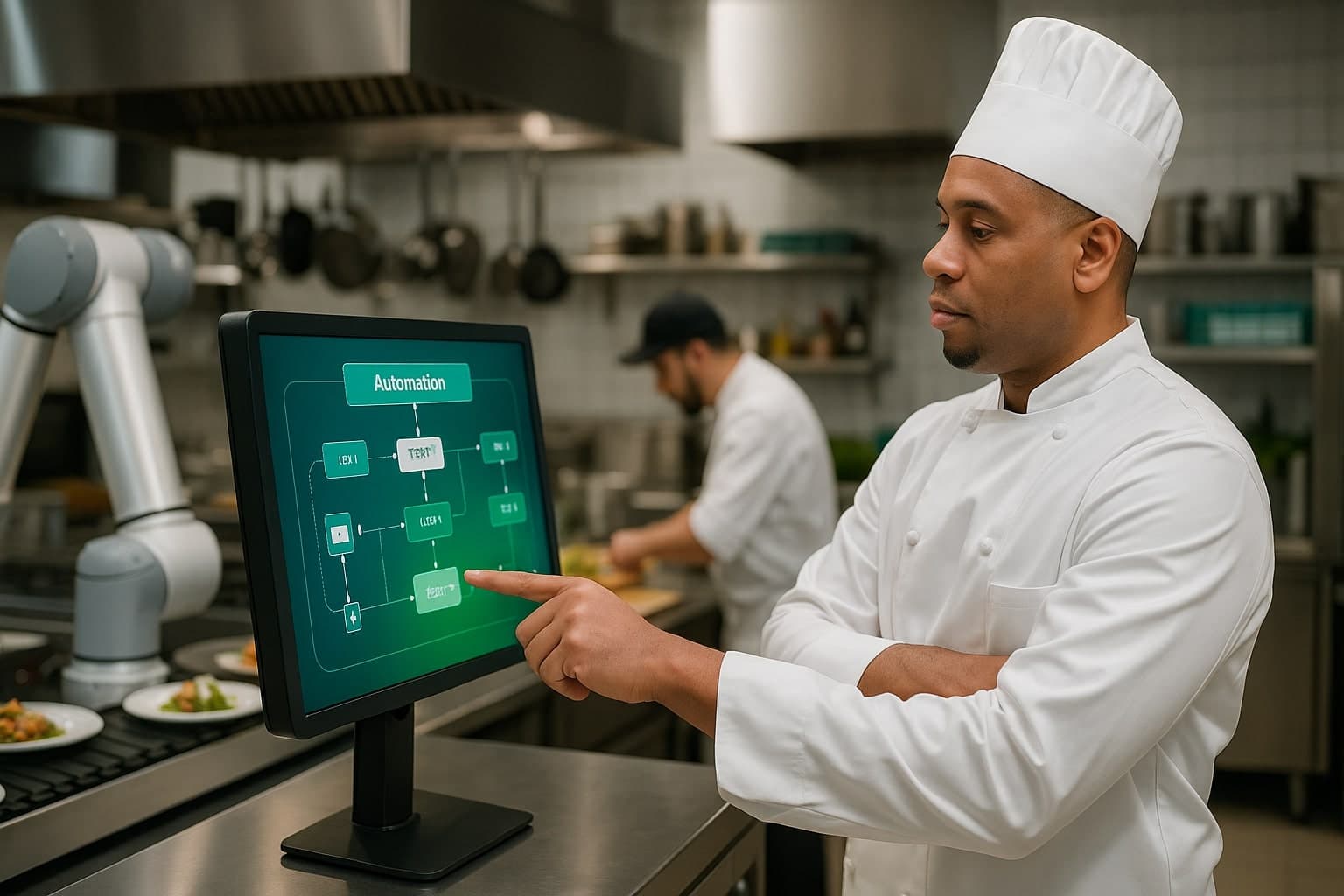

The best catering software connects the full workflow - quote to contract to production to delivery - in one place so orders do not slip through cracks in spreadsheets and email. Look for a tool that handles event-based scheduling, prep and production planning, and capacity limits, because those are the processes that break catering operations as they grow.
Catering is a different animal from a restaurant line. Every order is an event with a date, a headcount, a delivery window, and a hundred small details. I built CaterOS because the off-the-shelf tools treated catering like takeout with extra steps. It is not. A takeout order lives for twenty minutes. A catering order lives for three weeks, changes four times, and involves a deposit, a final count, a packing list, a driver, and a setup crew. Any tool that does not respect that lifecycle will leak orders, and the leaks are expensive.
When I was running high-volume catering alongside the restaurants, a single dropped detail could cost a Saturday. One missed allergy note, one wrong delivery time, one headcount nobody updated, and you are remaking food at 6am or apologizing to a wedding planner who will never call again. Streamlining is not about speed for its own sake. It is about making sure none of those details can fall through a crack, because in catering the cracks are where the money and the reputation go.
Why Catering Breaks Generic Restaurant Software
A POS is built for orders that happen now. Catering orders happen in three weeks, for 200 people, with a setup time and a teardown. When you force that into restaurant software, the details live in someone's inbox and head. That is how you double-book a Saturday or under-prep a wedding. The POS has no concept of a future date with a capacity limit, so it cannot stop you from selling a fourth event on a day you can only physically produce three.
The failure is never the people. It is the system. Most catering teams are running heroics to cover for tools that were never designed for event-based work. I have watched brilliant chefs and sharp coordinators burn out not because they were careless, but because the system forced them to hold the whole operation in their heads. The day the coordinator who knew everything went on vacation, the wheels came off. That is not a people problem. That is a system that never wrote anything down.
The Processes Catering Software Must Cover
Streamlining means connecting the handoffs where work falls through. In catering there are four that matter, and a tool that skips any of them will leak orders. Each handoff is a place where information has to move from one person to the next, and every handoff that lives in email or memory is a handoff that will eventually fail.
- Quote and contract with versioned changes and deposits
- Production and prep planning rolled up across all events for a day
- Capacity and calendar limits so you cannot oversell a date
- Delivery, staffing, and packing lists tied to each event
What to Compare
| Capability | Why it matters | What to verify |
|---|---|---|
| Event scheduling | Prevents double-booking dates | Hard capacity caps per day |
| Production rollups | Prep once across all events | Aggregates items by day |
| Quote-to-invoice | Stops revenue leaking in email | Deposits and change tracking |
| Mobile delivery view | Drivers and staff see the plan | Packing lists and timing |
A Worked Example: One Saturday, Five Events
Picture a normal Saturday: five events, a combined 640 covers. Without a production rollup, each event gets prepped on its own sheet. Your team chops onions five separate times, makes five separate runs at the protein, and orders produce per event with no aggregation. The result is wasted labor, over-ordering on items shared across events, and a real risk that something gets prepped twice or not at all. With a rollup, the system aggregates every event for the day into one consolidated prep list and one ordering list. You chop once for 640 covers, order once against true demand, and the kitchen works from a single sheet. On a five-event Saturday I have seen that collapse three hours of duplicated prep into one and cut shared-item over-ordering by 15%. That is the single highest-leverage feature in catering software, full stop.
Standardize Before You Automate
The biggest catering wins come from standardizing your menus, your prep yields, and your quoting before you put any of it into software. If three managers quote the same event three different ways, software just speeds up the inconsistency. Lock the process, then automate it. I made every coordinator quote from one menu with fixed yields and fixed per-head pricing before any of it touched a system. Once the standard was real, the software could enforce it. Before that, automating would have just made three different answers appear faster.
Automate the expensive, repetitive part first. For most caterers that is the production rollup - turning a week of events into one consolidated prep and order list. Get that right and you claw back hours and cut waste at the same time. Here is the order I tell caterers to follow.
- Standardize your menu with locked recipes and yields so every event is built from the same blocks.
- Standardize quoting so the same event always produces the same price and the same prep.
- Automate the production rollup first - it returns the most hours and waste for the least friction.
- Add capacity caps so the calendar physically cannot oversell a date.
- Layer in delivery, staffing, and packing lists once the core is running clean.
CaterOS is the catering operating system I built to connect quote, production, and delivery in one place.
See CaterOSVisibility Beats Heroics
The caterers who scale cleanly are not the ones with the best line cooks. They are the ones where everyone can see the same plan - what is sold, what is being prepped, what is going out the door today. When visibility replaces heroics, you stop losing Saturdays to chaos. The coordinator can take a day off because the plan does not live in her head. The new hire can read the board and know exactly what goes on truck two at 9am. That is what separates a catering operation that scales from one that is permanently one sick day away from a disaster.
How to Evaluate a Catering Tool in One Demo
When a vendor demos a catering tool, do not let them drive on clean data. Hand them a real week from your calendar and make them show you the rollup. Watch for whether the tool can do the things that actually break operations as you grow.
- Ask them to enter two events on the same day and show the consolidated prep list - if it does not aggregate, walk away.
- Ask what happens when a headcount changes three days out - the change should ripple to prep, ordering, and invoice automatically.
- Ask them to oversell a date on purpose - a real capacity cap should stop them.
- Ask to see the driver and packing view on a phone - if it is desktop only, your team will not use it.
The Bottom Line
The best catering software is the one that connects your whole workflow and matches how events actually run, not how takeout runs. Standardize your menus and quoting, automate the production rollup first, and make the plan visible to everyone. That is the difference between catering that scales and catering that stays stuck at heroics. The tool does not have to do everything on day one. It has to connect the four handoffs where orders fall through and turn a week of events into one clean plan.